AI music creators
You're generating tracks faster than you can post them. Bring a song in by link or file and leave with a week of clips.
Live on the App Store
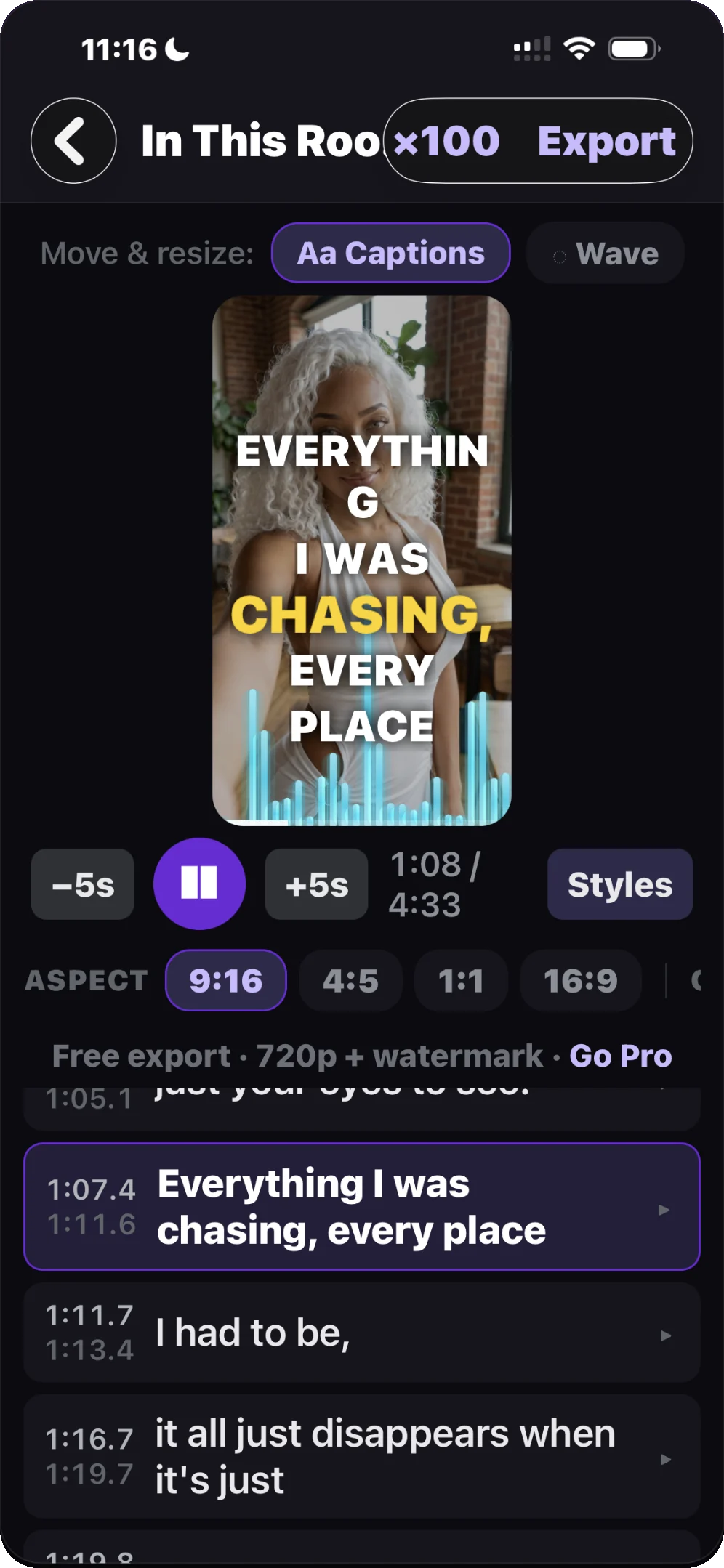
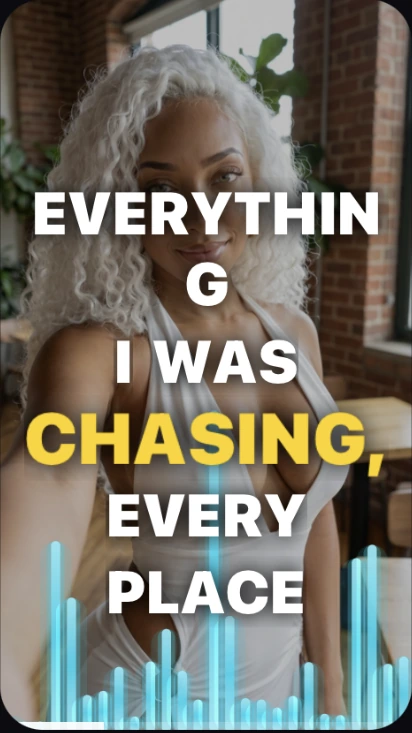
Lyricon listens to your vocals, syncs every word to the beat, and renders styled lyric videos built for TikTok, Reels, and Shorts. No timeline. No editing skills.
Free to start · 720p exports · Pro unlocks 4K, no watermark, and unlimited variations
Who it's for
You're generating tracks faster than you can post them. Bring a song in by link or file and leave with a week of clips.
Turn the single you just mastered into a month of vertical cuts that actually get watched.
Feed the algorithm without opening an editor. The words land on the beat every time.
Auto-sync
Import a song and Lyricon transcribes the vocals into captions timed to the actual performance — word by word, on the beat. Nothing to drag along a timeline. If it mishears a lyric, fix it with a tap.
The ×100 Engine
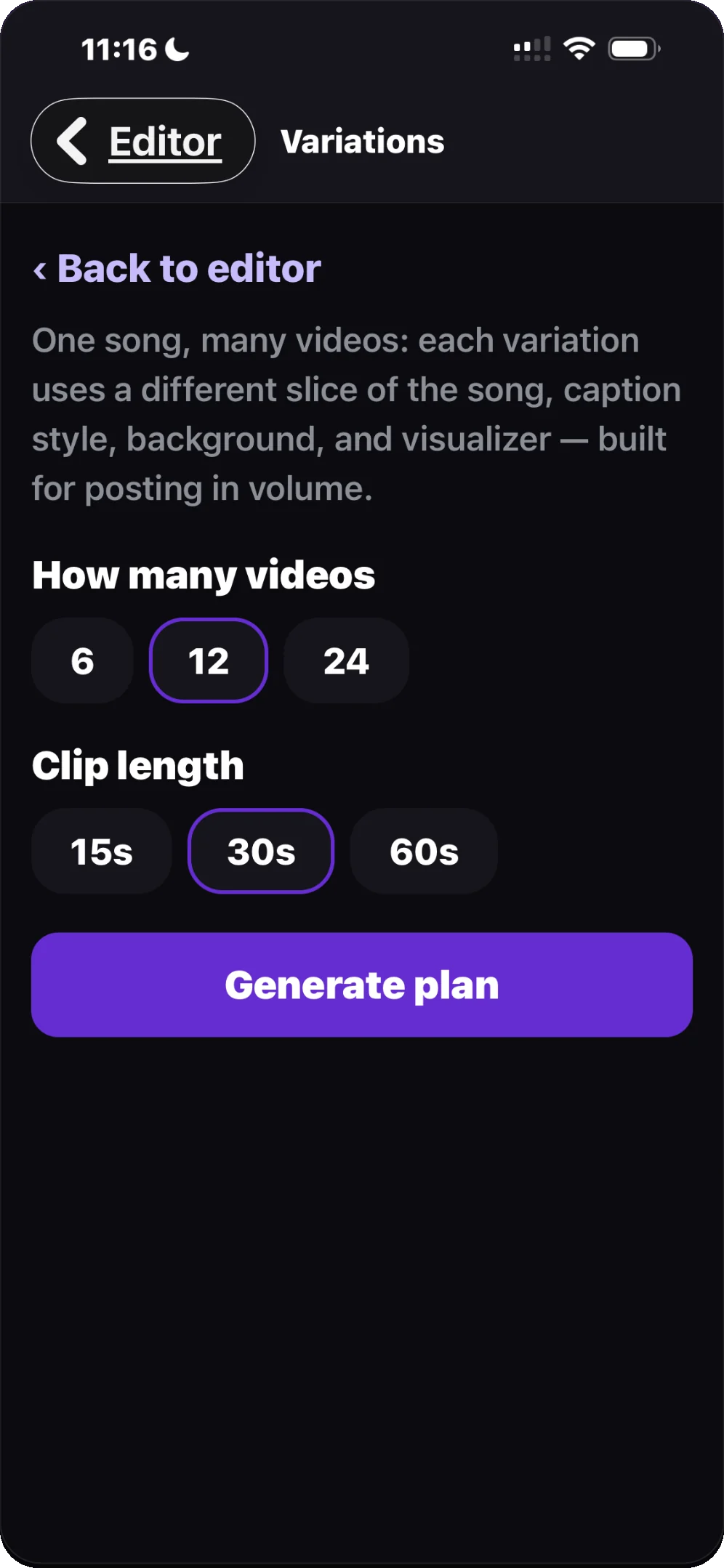
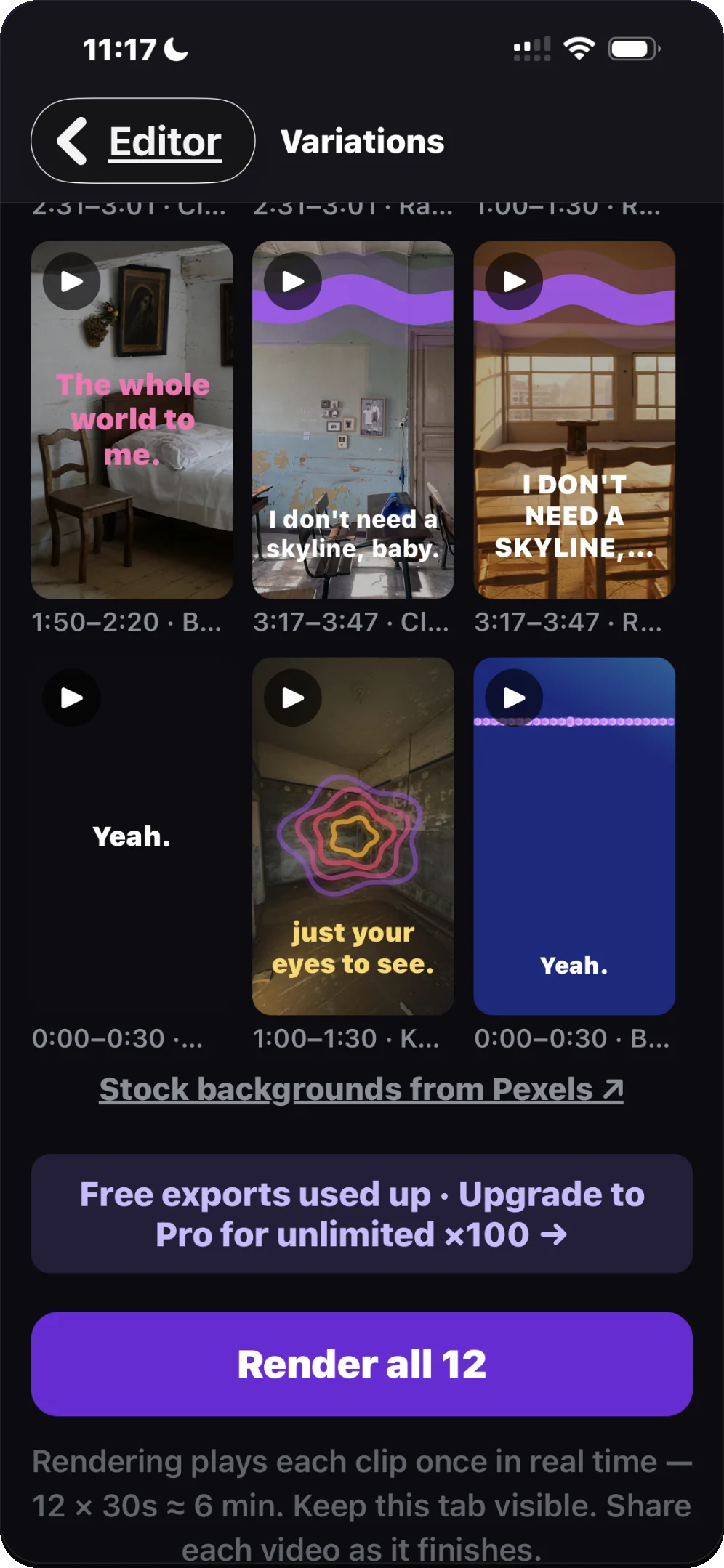
Pick 6, 12, or 24 videos and a 15, 30, or 60-second clip length. Lyricon builds the whole batch — each one a different slice of the song with its own caption style, background, and visualizer — then renders them back to back.
Styles
Bold active-word pops, pills, and color cycles — the caption styles your feed already trained people to watch. Switch on an audio-reactive visualizer when you want a cleaner, music-driven frame.
Backgrounds
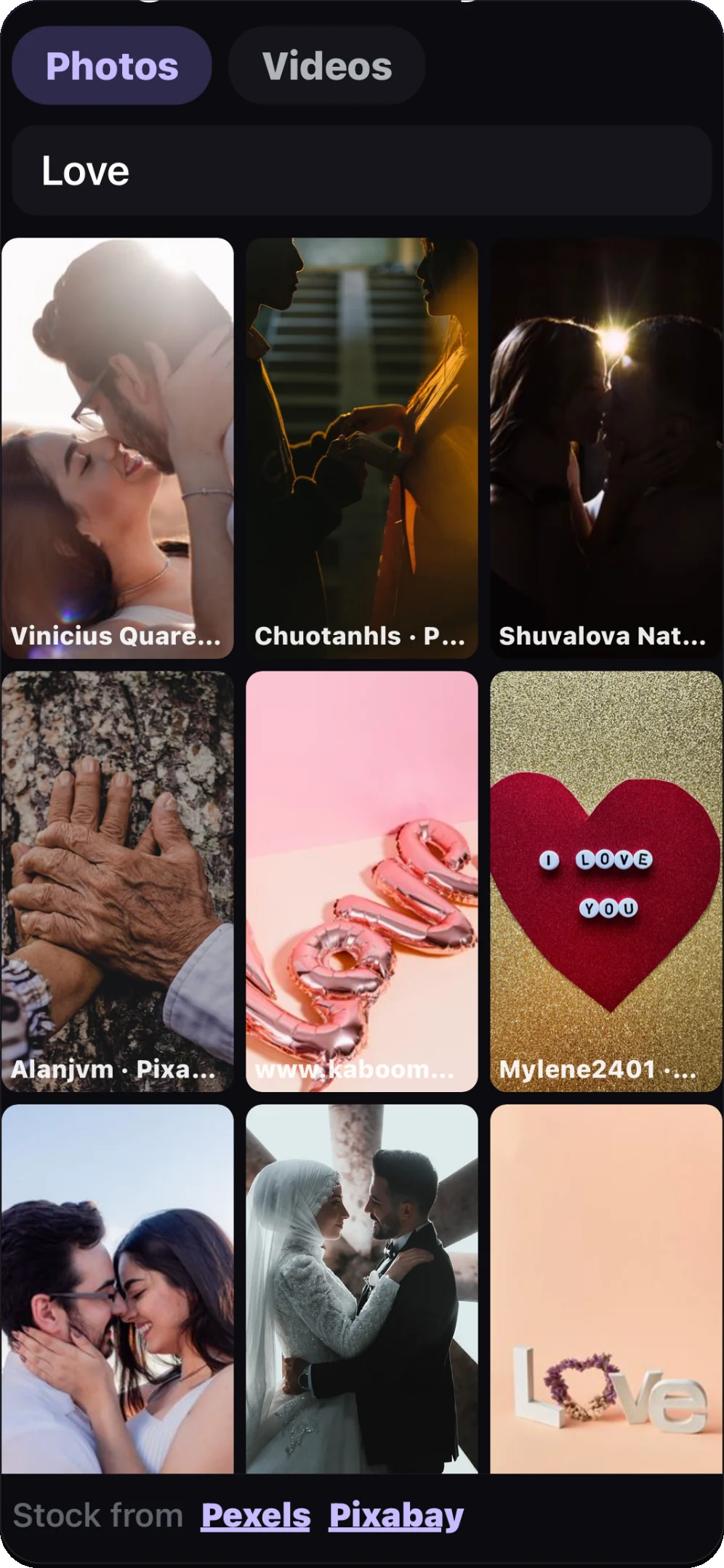
Search a built-in library of license-clean photos and video, or drop in your own footage and images. Every clip is credited to its creator.
How it works
By link or audio file.
Vocals become captions, timed to the beat.
Captions, background, visualizer, aspect ratio.
Straight to Photos, ready to share.
Pricing
Everything you need to start
Unlocked in the app
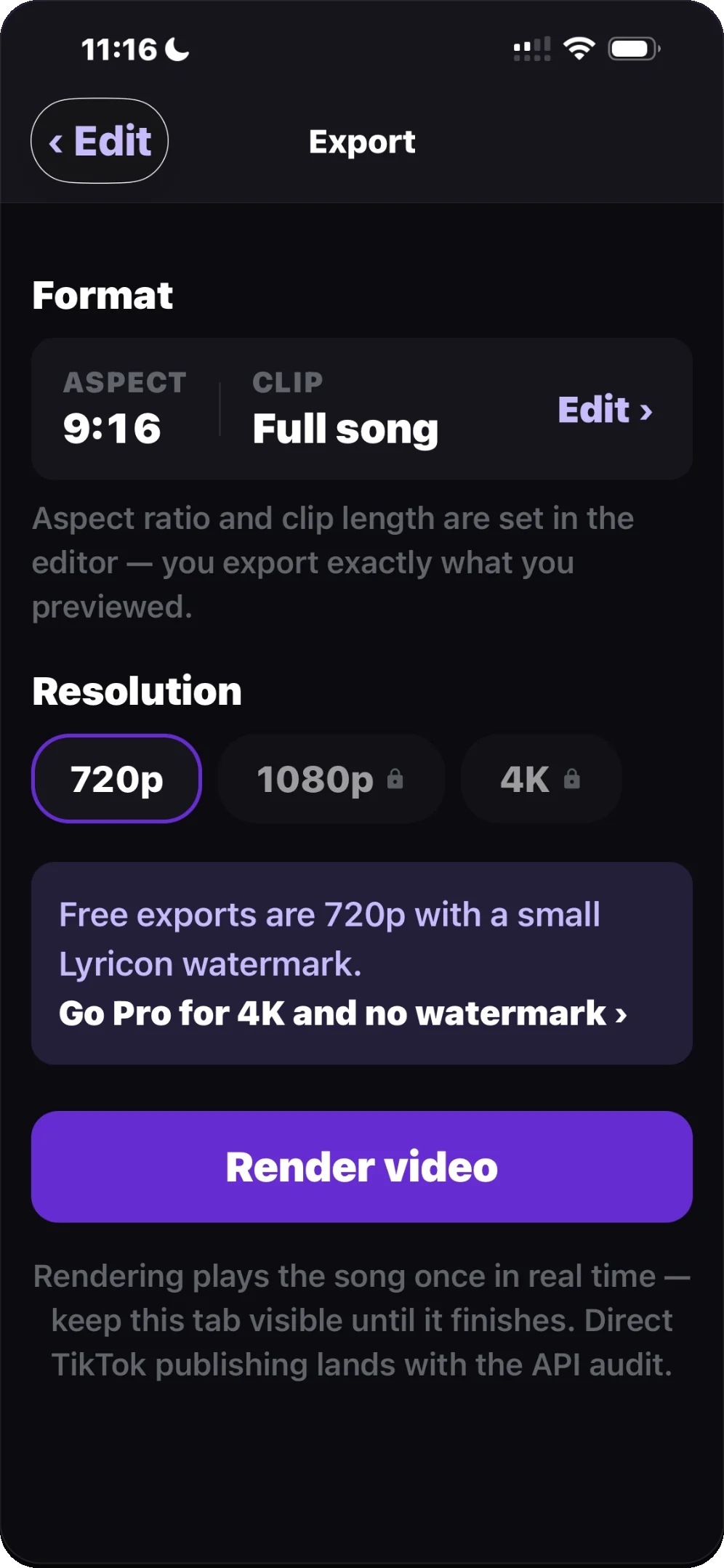
Pro is an auto-renewing subscription billed through your Apple ID. Manage or cancel anytime in your Apple ID settings.
Free to download. Your first lyric video is a few taps away.
Download on the App Store